Every few weeks someone asks me the same question in slightly different words: do I need a physical SIM or can I just get an eSIM before I land. There’s no single right answer, honestly, it depends on what phone you have and how much you care about saving twenty bucks versus saving twenty minutes. Let me walk through what actually happens at each option, because half the blog posts about this were clearly written by someone who never stood in the actual line.
First, the boring but necessary part: almost every Korean telecom option now works whether you’re getting a physical SIM or an eSIM, so the real decision tree is airport counter vs. pre-ordered online vs. walking into a store in the city. Not physical vs. digital by itself.
Airport pickup: fastest, but not cheapest
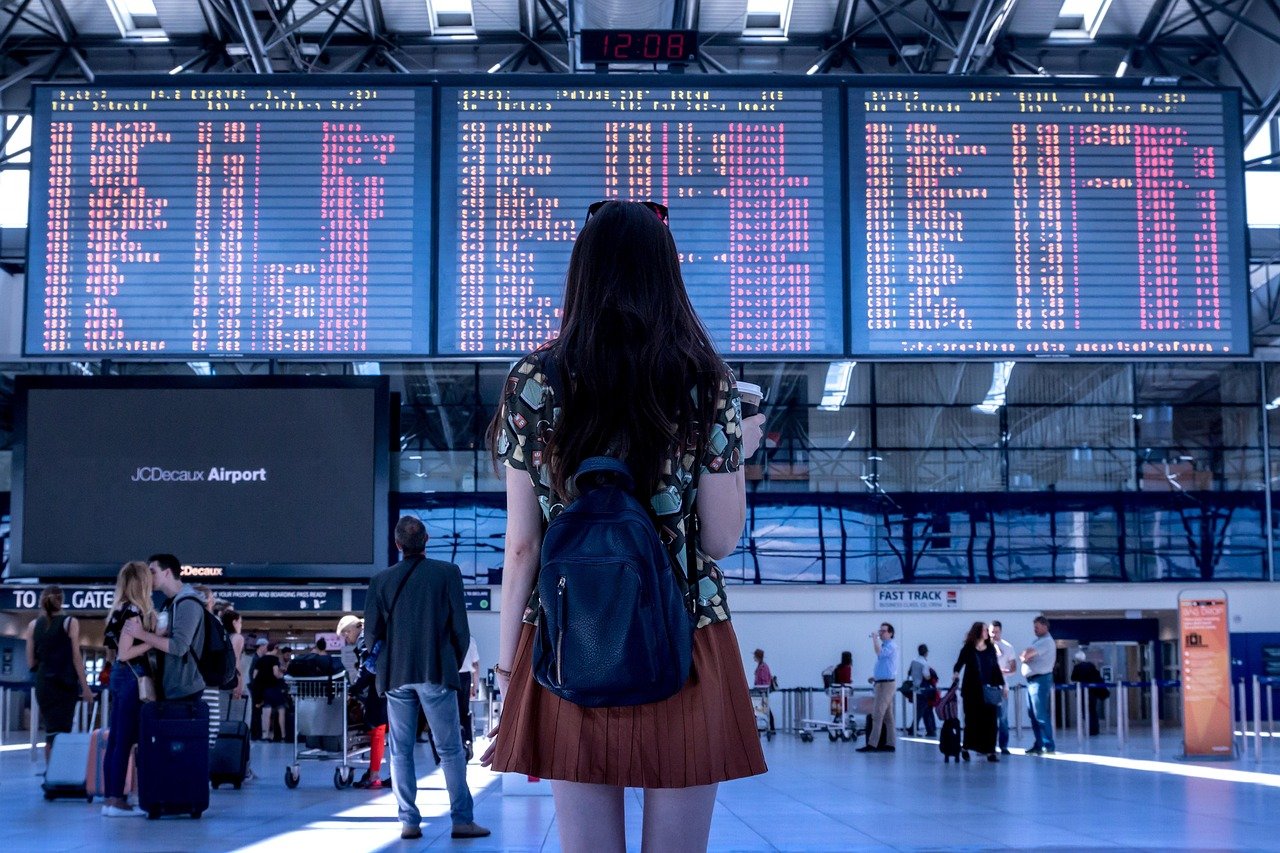
Incheon and Gimpo both have SIM/eSIM counters right in the arrivals hall, usually run by KT, SK Telecom, or a reseller like EG SIM. You can walk up, pay, and be online in about ten minutes, which sounds great until you see the line during a peak arrival window — say, three flights from Southeast Asia landing within twenty minutes of each other. I’ve seen that line stretch back near the currency exchange booth. If your flight lands at a weird hour like 6am or 11pm, it’s usually empty and genuinely painless.
Price-wise, airport SIMs tend to run about 10 to 20 percent more than the exact same plan bought online in advance, mostly because you’re paying for the convenience of not planning ahead. A basic 10-day unlimited data SIM at the airport counter was running somewhere around 33,000 to 38,000 won last time I checked, versus closer to 27,000 to 30,000 for the same plan pre-ordered.
Know which side of the building you’re walking to, because the terminals aren’t laid out the same. At Incheon Terminal 1 the counters sit on the arrivals floor, level 1: KT, SKT and LG U+ all have a desk near gate A at the east end, and all three also run a second desk at the west end near gate F. At Terminal 2 they’re on level 1 as well, clustered near exits 4 and 7, with another set upstairs on the departures floor between check-in counters F and G. Gimpo’s are in the international arrivals area, which is small enough that you’ll see them.
The question that actually matters on a red-eye is whether anyone is there at 1am, and the answer at Incheon is yes. Both terminals keep 24-hour desks on the arrivals floor — at T1 that’s the west-end cluster by gate F, at T2 it’s exits 4 and 7 — while the other desks run roughly 06:00 to 22:00. So a 2am landing is survivable; you just may not get your first choice of counter. (Those hours are from Incheon Airport’s own facility listing, checked 11 September 2026. Gimpo’s I couldn’t confirm officially, so don’t count on a late-night desk there.)
Bring your passport — that’s the ID they register the line against, and there’s no way around it. Cards from overseas are normally fine at these counters, but carry enough cash for one SIM anyway, because a declined foreign card at 1am with no data is a bad loop to be stuck in.
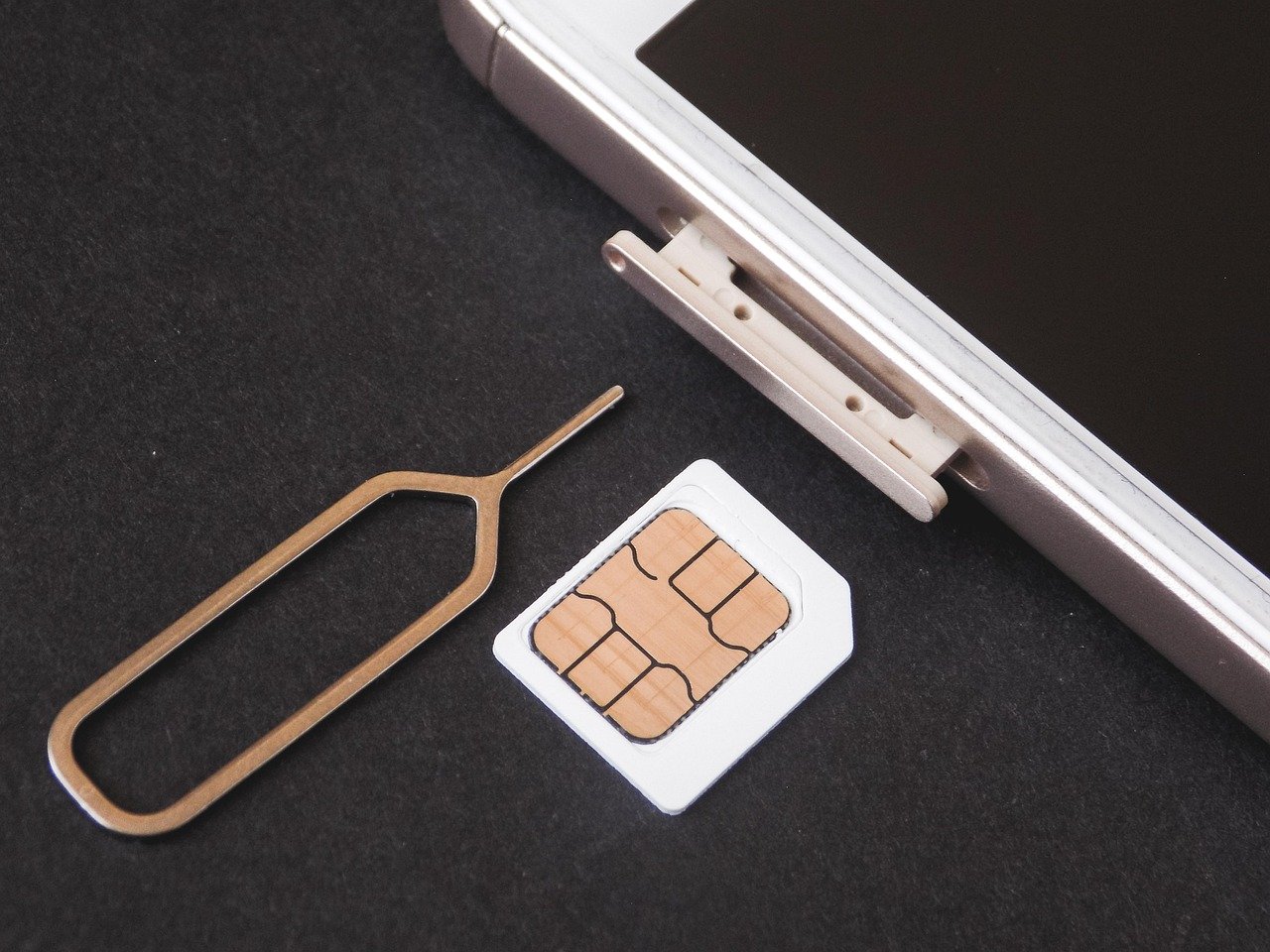
The process itself takes about as long as buying coffee. You hand over the passport and pick a plan from the board, they take payment, then a staff member opens your phone, swaps the SIM in (yours goes into a little envelope or back into the tray slot — watch where it goes), waits for the Korean network to register, and doesn’t hand the phone back until data actually works. Test it in front of them. Load something. If it doesn’t come up, that’s their problem to fix while you’re still standing there rather than yours on a train.
The plans come in two shapes and the distinction matters more than the price: data-only, which is most tourist SIMs, and data plus a Korean number, which costs a little more and is the one that can receive verification texts. Durations run in blocks — typically 5, 10 or 30 days — and a plan bought for a shorter period doesn’t extend, so round up if your dates are uncertain. Which of the two shapes you need is decided further down, in the section on what a Korean number actually unlocks.
Pre-ordered eSIM: cheapest if your phone supports it
If your phone is from the last four or five years — most iPhones from the XS onward, most recent Samsung Galaxy and Google Pixel models — it almost certainly takes an eSIM. You buy it through a site like Klook, Trazy, or one of the Korean telecom eSIM portals before you even leave home, get a QR code by email, and scan it once you land (or honestly, the moment you connect to airport wifi, you don’t even need to wait). No counter, no queue, no plastic tray to lose your original SIM in.
The catch is you need to actually check your phone is eSIM-compatible and carrier-unlocked before you fly, because finding out at the arrival gate that your phone doesn’t support it is a genuinely bad way to start a trip. Also, once activated, most Korean tourist eSIMs start the countdown immediately or at a set date you choose — read the fine print, some start the moment you purchase, not the moment you land, which matters if you buy it three days early out of habit.
Checking eSIM support takes thirty seconds, so do it now rather than at the gate. On an iPhone, open Settings → General → About and scroll to the bottom: if there’s a line called EID, the phone has an eSIM. On a Samsung or Pixel, Settings → Connections → SIM manager (or Network & internet → SIMs) will offer to add an eSIM or download a SIM if the hardware is there. The universal shortcut is to dial *#06# on any phone — if an EID appears alongside the IMEI, you’re fine.
Carrier lock is the separate trap, and it catches people who bought a phone on a contract. Same place on an iPhone: Settings → General → About, look for Carrier Lock, which should read “No SIM restrictions”. On Android it’s usually under Settings → About phone → Status, and if it isn’t obvious, one message to your home carrier settles it. A locked phone will accept the eSIM profile and then refuse to connect, which looks like a broken purchase but isn’t.
And here’s the part that gets undersold: an eSIM lets you keep your home number alive while running Korean data. Your physical SIM stays in the phone, so WhatsApp keeps working on the number your friends have, and the bank code or two-factor text that insists on your real number still arrives. You just set the Korean eSIM as the default line for data and turn data roaming off on the home line so it can’t quietly bill you. For anyone whose banking, work login or messaging is tied to their home number — which is most people now — that’s the actual argument for eSIM, not the twenty dollars.
On where to buy it: compare the carriers’ own English eSIM portals against the big travel booking sites rather than taking the first result. The resellers are often cheaper and the carrier portals are often clearer about activation dates and what happens if it fails, and which one wins changes with whatever promotion is running that month. Whatever you pick, buy from somewhere with a support channel that answers before you fly, because an eSIM that won’t install is a conversation, not a refund.
Telecom store in the city: best for longer stays
If you’re staying more than a couple weeks, or you want an actual Korean phone number for things like food delivery apps or bank verification, going into a KT, SKT, or LG U+ store in the city is the way to go. This is the one option where I’d actually recommend bringing your passport and maybe your hotel address written down, because staff fluency in English varies a lot store to store — some branches near tourist areas have someone dedicated to foreign customers, some very much do not. Myeongdong and Hongdae branches tend to be more used to non-Korean speakers than a random neighborhood store.

A prepaid line with an actual Korean number typically runs a bit more than a data-only tourist SIM, but it opens up apps that require local phone verification, which trip you up more often than you’d expect — some delivery apps and even certain museum booking sites want a Korean number to send a verification text to.
Set your expectations before you walk in, though, because the thing most visitors picture — a normal monthly contract like the one you have at home — is generally not available to you. KT’s own list of documents required to open a line puts the alien registration card as the ID for foreign customers, and that card is issued to people registering a stay of 90 days or more, weeks after they arrive. Without it you’re in prepaid territory: you pay up front, the line has a fixed end date, and you top it up rather than getting billed. That’s not a workaround, it’s the normal route for anyone here short-term, and staff will steer you to it without drama. (Checked against KT’s published requirements on 11 September 2026 — the other two carriers work the same way, and individual shops occasionally differ on what they’ll do for a tourist, which is worth a phone call before you cross the city.)
If you do have residency sorted and you’re staying months rather than weeks, the cheaper move is an MVNO — 알뜰폰, “budget phone” — which resells the same three networks at noticeably lower monthly prices. Same towers, same coverage, smaller shop, fewer English speakers, and a plan that can cost half what the parent carrier charges. Convenience store chains sell MVNO starter SIMs too.
Now the question this whole decision actually hangs on: what does a Korean number get you that data alone doesn’t? More than the two examples above, and it’s worth reading the list before you decide a data-only SIM is enough. Sign-up on the big delivery apps — Baemin, Coupang Eats — is gated on a Korean number, as is a full Naver or Kakao account, which in turn gates a surprising amount of everything else. Ticketing sites for concerts, baseball and theatre want one. Restaurant reservation apps want one. Bank and exchange counters, any kind of account opening, and most delivery or courier services want one. Even ordinary retail loyalty sign-ups — the discount at the cosmetics chain, the coffee stamps — run on a phone number. And if you need to be called back about anything at all — a lost item, a landlord, a clinic — a foreign number is a real obstacle for the person trying to reach you.
None of that matters on a five-day trip where you’re mostly navigating and posting photos. All of it matters if you’re here long enough to have a life, and the split between those two situations is the whole decision.
Take your passport, your accommodation address written down (they’ll ask, and “the hotel near Hongdae” won’t do), and a payment method. If you have an alien registration card, bring that too — it changes what you’re allowed to sign up for.
So which one, actually
My honest take: if your trip is under two weeks and your phone takes an eSIM, order it online three or four days ahead and just activate it after landing. It’s cheaper and you skip the line entirely. If your phone is older and needs a physical SIM, or you just forgot to plan ahead, the airport counter is fine — budget an extra 20 to 30 minutes if you’re landing during a busy window. And if you’re here longer than a month or need a real Korean number, make the trip to a telecom store once you’re settled, don’t try to do it exhausted on arrival day.
One thing nobody tells you: data speed genuinely doesn’t differ much between the three big carriers in Seoul and Busan proper, they’re all fast enough that it stops mattering. Where it does matter is more remote areas — some mountain trails and smaller islands still have patchy coverage no matter which SIM you’re holding, so don’t count on flawless signal everywhere just because Korea has a reputation for being wired.
Sorted by how long you’re here, since that’s really the only variable that changes the answer:
Under a week. Data-only, and don’t overthink it. eSIM if your phone takes one, airport counter if it doesn’t. You will not miss having a Korean number in five days, and the price difference between options is smaller than one meal.
One to four weeks. Still eSIM or airport SIM, but this is where it’s worth paying the small premium for a plan that includes a Korean number, because three weeks is long enough to want a delivery app, a restaurant booking or a ticket. Check the plan description for a number rather than assuming — most tourist products are data-only by default.
A month or more. Go to a store once you’ve landed and settled, not on arrival day. Prepaid until your alien registration card exists, MVNO after that if you want the monthly cost down, and a Korean number from the start because at that length everything else in your life here will ask for one.
Read next
- Kakao T: How Korea’s Taxi App Actually Works for Foreigners — The app that needs the data you just bought.
- T-Money Card in Korea: Where to Buy It, Where to Use It, and How to Get a Refund — The other card you’ll want on day one.
- ATMs in Korea That Accept Foreign Cards: Where to Find Them and What They Cost — Getting cash without a Korean bank.